
How can we help?
Download the manuals, find answers to common questions, or open a case with the Zylergy support team.
Choose your product
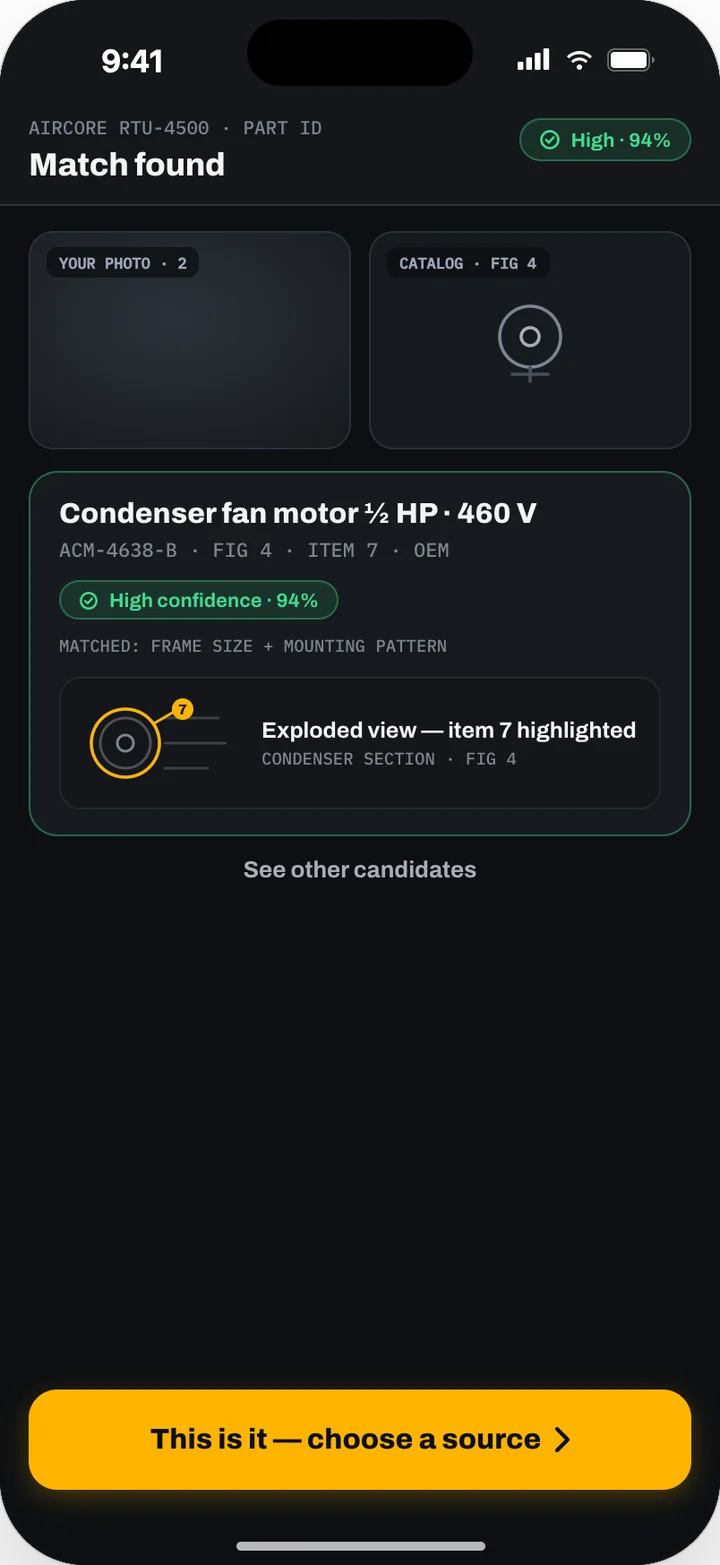
Zylergy Field
Manuals and answers
Download the three guides and find answers to common questions about Zylergy Field.
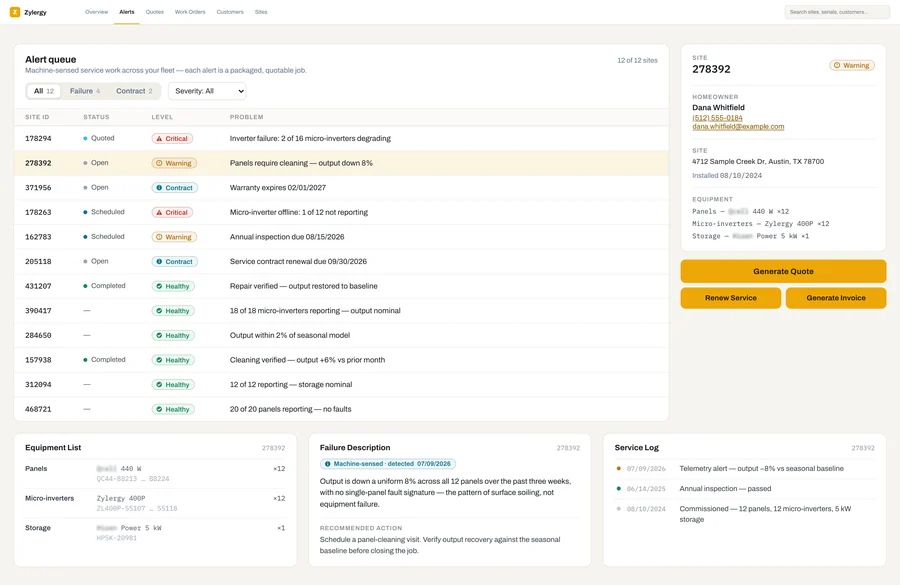
Zylergy Solar
Manuals and answers
Download the three guides and find answers to common questions about Zylergy Solar.
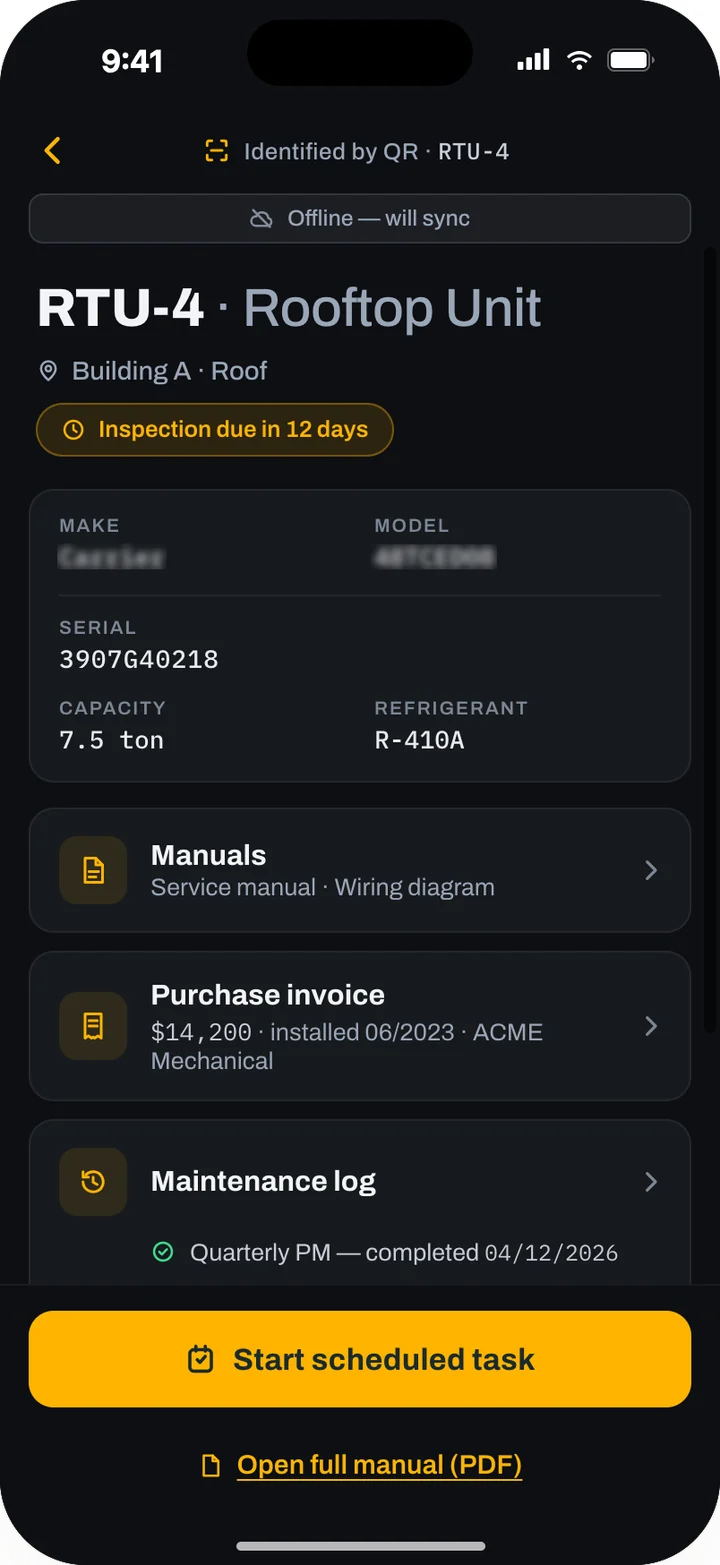
Zylergy Facilities
Manuals and answers
Download the three guides and find answers to common questions about Zylergy Facilities.
Common questions
Questions about a single product are on its support page.
Getting started
How does a company get started with Zylergy?
Join early access for your product. Your administrator then sets up the company account and invites your people, and you work directly with the engineers who build the product. Join early access
Custom automation projects are a separate service. See custom engagements.
Who sets up our account?
Your administrator, with your office staff for the business settings. Chapter 1 of the Admin Guide for your product lists the setup steps in order.
What do our people need?
Technicians need an iPhone or iPad with iOS or iPadOS 26 or later, and the app for your product from the App Store. Office staff and administrators work in the web console in a current version of Google Chrome, Microsoft Edge, Safari or Firefox. Your administrator invites each person by work email.
Do we have to replace the software we use today?
No. Zylergy Field and Zylergy Solar work alongside your field-service management software. Zylergy Facilities works on top of your CMMS, or alone if you have none.
Which systems do you connect to?
Zylergy Field connects to ServiceTitan, BuildOps and Housecall Pro, and to the contractor platform Procore. Zylergy Solar connects to BuildOps, to inverter vendors' monitoring systems and to your distributors. Zylergy Facilities connects to the IBM Maximo, Fiix, UpKeep and Corrigo CMMS. Your administrator connects them in the web console with your company's own API keys or credentials, and our engineers help during onboarding. You pay for the vendors' APIs, either through your subscription or directly to the vendor. Each Admin Guide has a chapter on integrations.
Users and sign-in
How do people sign in?
With their work email address. If your company uses single sign-on with a SAML 2.0 or OpenID Connect identity provider, Zylergy sends them to your company's sign-in page. Otherwise they enter a 6-digit code. It comes by text message to their cell phone, or from email or an authenticator app. On iPhone and iPad the app offers Face ID after the first sign-in.
What can each person do?
That depends on their role. Zylergy keeps to four roles, and your administrator gives each person one or more:
- Admin manages users, sign-in, settings, integrations and support access.
- Back office plans and schedules work, prepares quotes and supervises in the web console.
- Field tech works in the app.
- Customer is for your own customers: building owners, property managers and facility managers in the Zylergy Field customer portal, and homeowners in the Zylergy Solar homeowner portal.
One person can hold more than one role. In a small company, one person often holds both Admin and Back office.
Someone left the company. What do we do?
Ask your administrator to remove the person from your account. The work they recorded, such as service log and compliance entries, stays in your history.
Working in the field
Does the app work without a signal?
Yes. Technicians can identify equipment, open the manuals stored on the device, follow checklists and capture photos and readings offline. The app shows that it is offline and sends the work when the connection returns. Signing in and the web console need a signal. Each Operator Guide lists what works offline.
Where do the repair steps come from?
From the manufacturer's documentation for the equipment and your company's own records. In Zylergy Field and Zylergy Solar, each step shows the manual page it comes from.
What if the app and the manufacturer's manual disagree?
Follow the manufacturer's instructions and your company's safety procedures, and report the difference to your office. Each Quick Start Guide and Operator Guide opens with a "Safety information" chapter.
Data, privacy and security
Who owns our data?
Your documents and records stay yours, and you can export them.
How is our data protected?
Your data is processed on US cloud infrastructure, kept separate from other customers' data, and encrypted in transit and at rest. Single sign-on is available for your company's account.
How long do you keep our data?
As long as your subscription is active. If you leave, you get a full export, and we then delete our copies and confirm the deletion in writing.
Do you use our data to train models?
Yes. Photos that technicians take and the answers they confirm help train Zylergy's vision models. The setting Help our vision models to become better at detecting parts is on by default for the whole company. Only your administrator can change it, after a warning about what that changes.
Can we get our data out?
Yes. Records export as CSV and PDF. The "Audit and export" chapter of each Admin Guide explains what you can export.
Is there a record of who did what?
Yes. Actions and approvals are logged. The "Audit and export" chapter of each Admin Guide describes the records.
Zylergy support access
Can Zylergy staff see our account?
Only to help you, only staff assigned to your account, and only with your administrator's consent. Support can then view your account read-only, with export turned off. Actions, such as those in the next answer, are separate from viewing. Changing a user's roles needs your administrator's consent. Support access is recorded, and changes made by support show in your history, marked as done by Zylergy support.
What can support do for us?
Resend an invitation, unlock a user, re-run a failed import, rebuild the data stored on a user's device for offline use, refresh a supplier connection and send notifications again. The "Zylergy support access" chapter of each Admin Guide lists these actions.
Open a case
Tell us what happened. Your case goes to the Zylergy support team at support@zylergy.com, and we reply by email.
Your email app should now show the case. Send it from there. If nothing opened, email support@zylergy.com directly.
Not sure which product fits?
Join early access, and tell us about your service or maintenance operation. Send feedback on the products or the manuals to hello@zylergy.com.